ZenProg Remote: 7. Settings
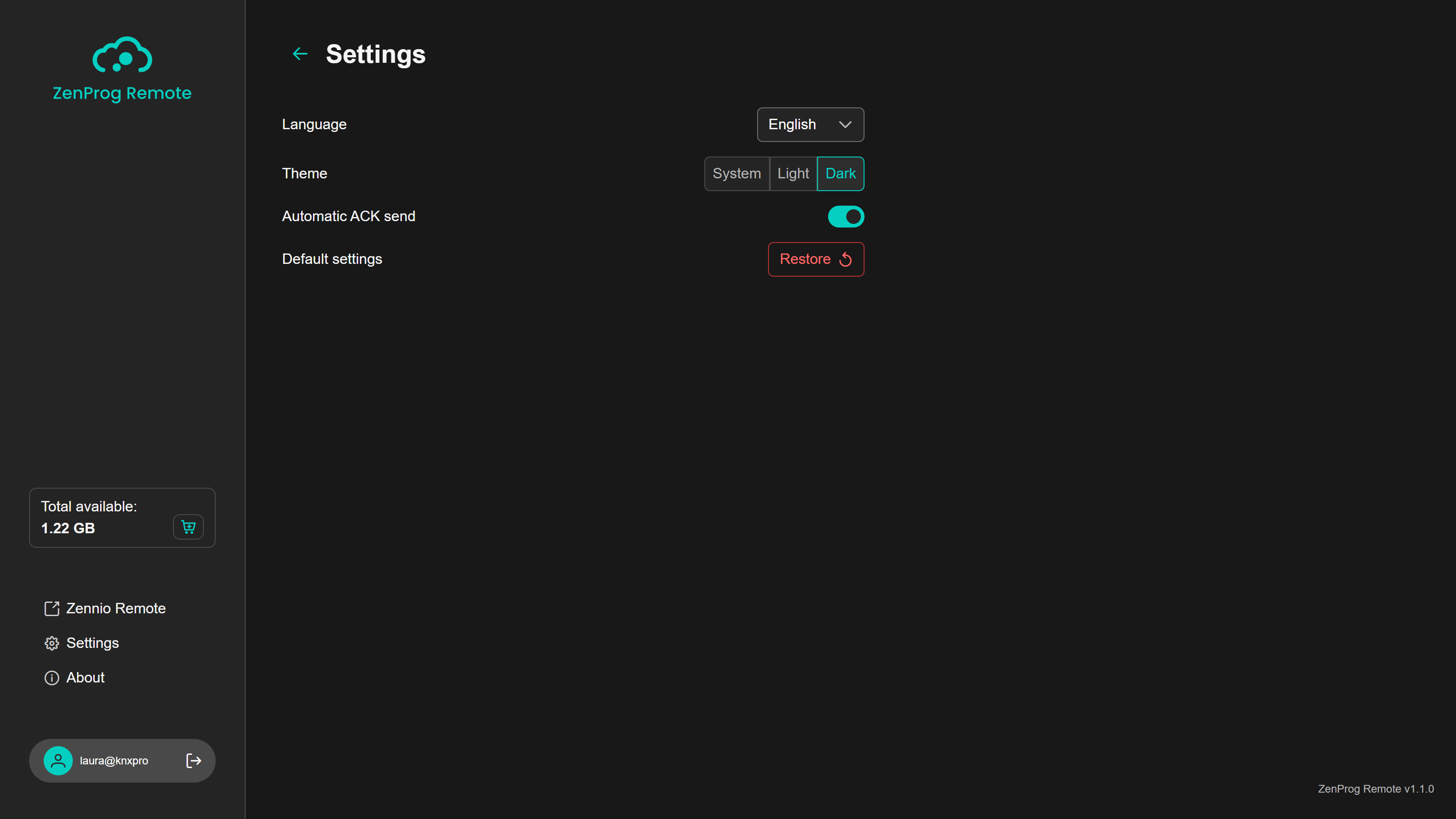
The Settings page (Figure 40), reachable from the side bar both with and without a session logged in, groups the preferences of the application. Changes are applied immediately and are kept between sessions.
7.1. Language
Selects the language of the interface among English, French, German, Greek, Italian, Portuguese, Russian and Spanish. On the first launch the system language is used if it is available and, otherwise, English.
7.2. Theme
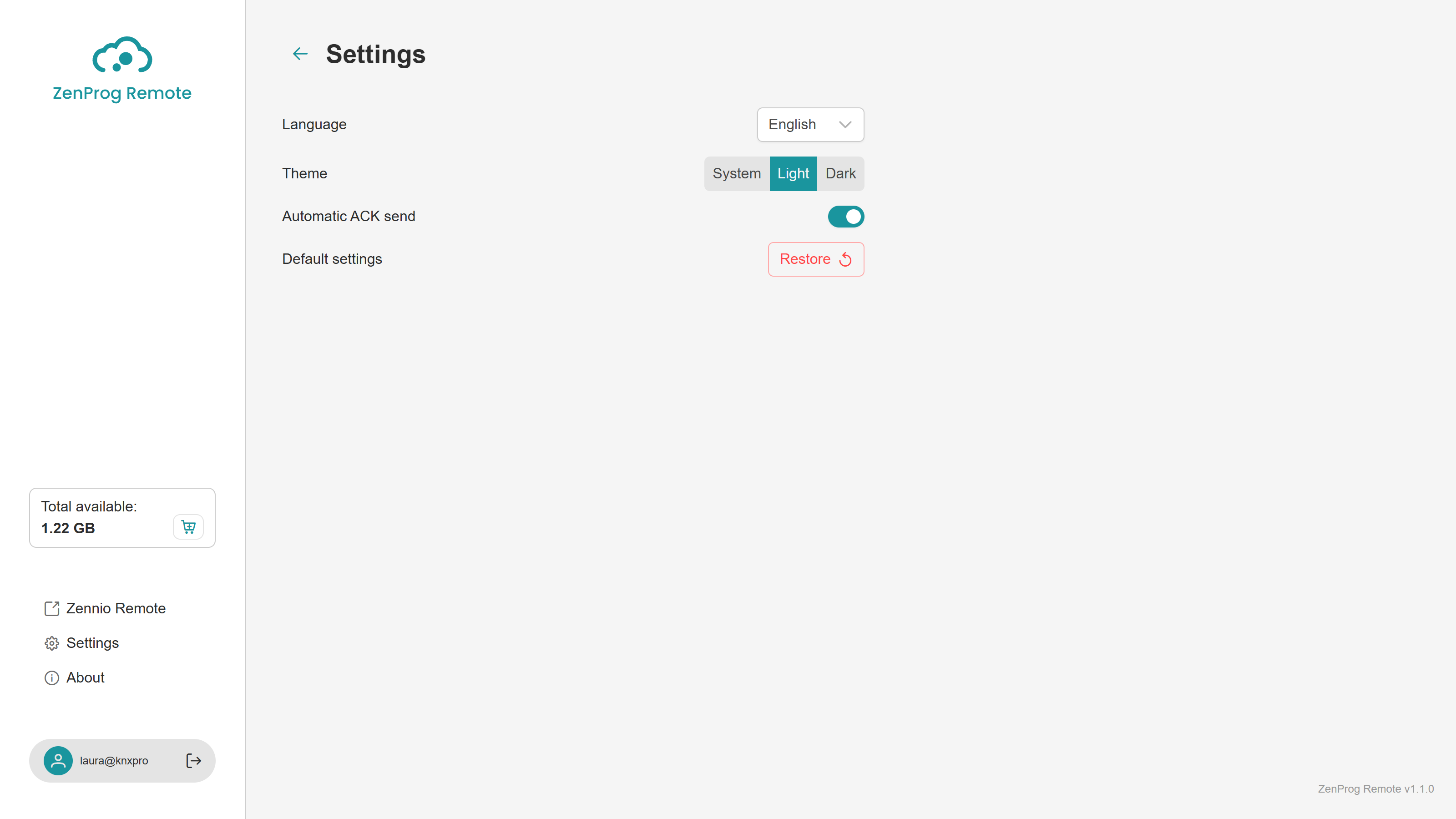
Allows choosing between the system theme (the one configured in Windows), the light theme and the dark theme (Figure 41). On the first launch the system theme is used.
7.3. Automatic ACK send
In order to shorten the download times, ZenProg Remote automatically confirms at each end the messages exchanged between ETS and the installation, avoiding the wait for the confirmation to travel the whole way through the Internet. This option is enabled by default and is the recommended one.
Note
In some cases, it may be necessary to disable it, for example if problems arise when programming devices located on a KNX line other than the one where the KNX/IP interface is located.
7.4. Restoring the default settings
The “Restore” button returns every setting to its initial value (language, theme, automatic ACK send, warnings hidden with “Don't show this again”, etc.), signs the session out and restarts the application. The operation requires confirmation.