ZenProg Remote: 6. Licences and MB consumption
6.1. How consumption works
Remote programming consumes MB from the balance associated with the Zennio Remote account. Only the data received from the installation during the connection is counted, so the consumption does not depend on the protocol used by ETS.
The balance is obtained by purchasing credit packs (licences). Packs are consumed in purchase order; when a pack runs out, it moves to the list of used packs.
6.2. Checking the balance and recharging
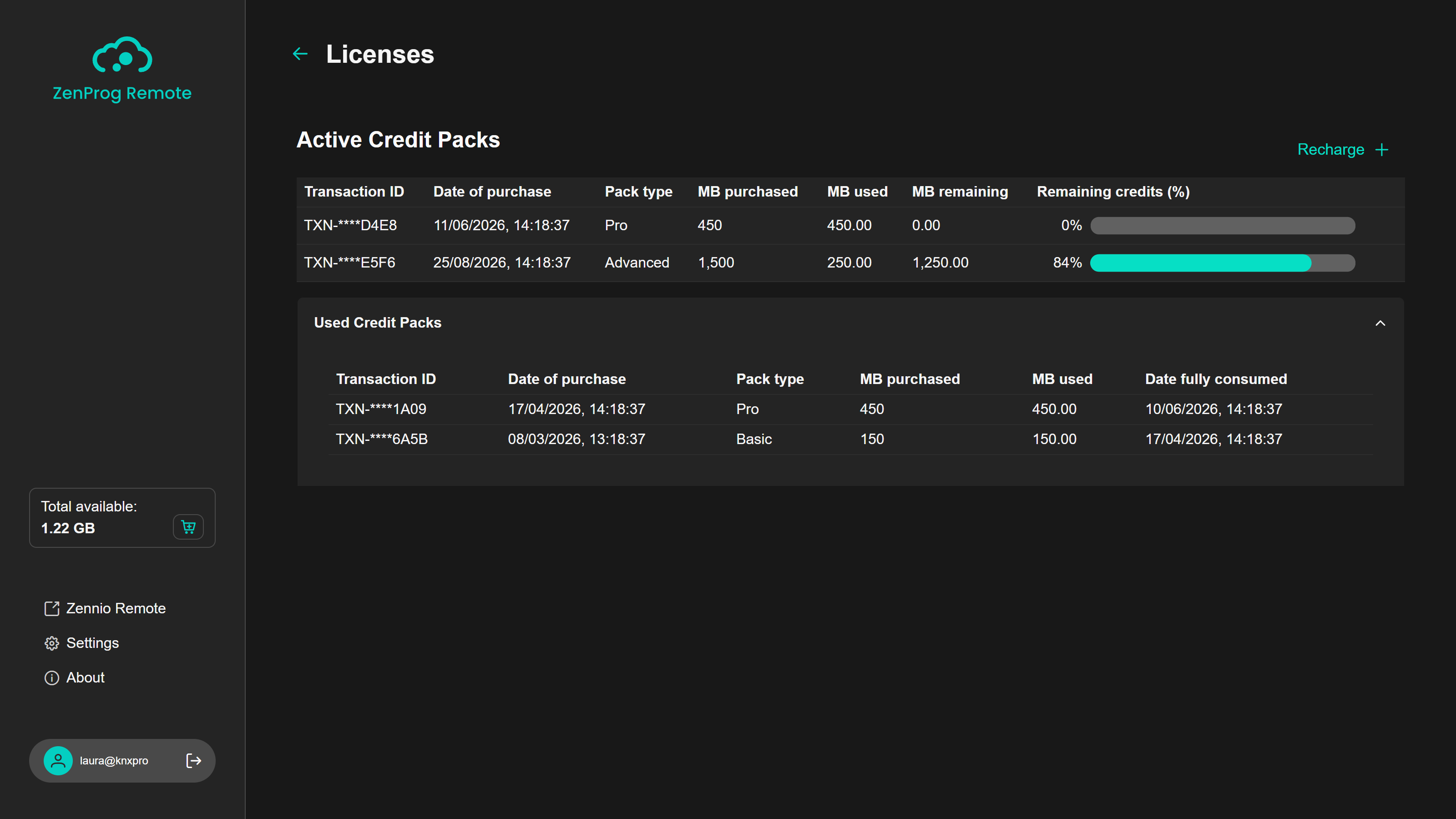
The available balance is shown at all times in the Total available card of the side bar. The trolley button opens the Licenses page (Figure 36), which details:
- Active Credit Packs: for each pack, the transaction identifier, the date of purchase, the type, the MB purchased, used and remaining, and the percentage left.
- Used Credit Packs: packs already consumed, with the date on which they ran out.
- The “Recharge” button, which starts the process of purchasing new packs. Once completed, the balance is updated in the application.
6.3. Balance warnings
The application warns when the balance is coming to an end:
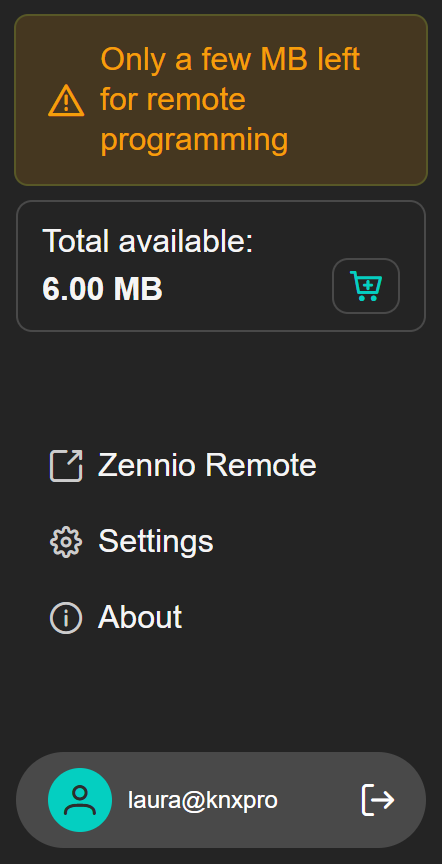
- With less than 10 MB, the warning “Only a few MB left for remote programming” is shown in the side bar (Figure 37). Recharging before starting a download is recommended.
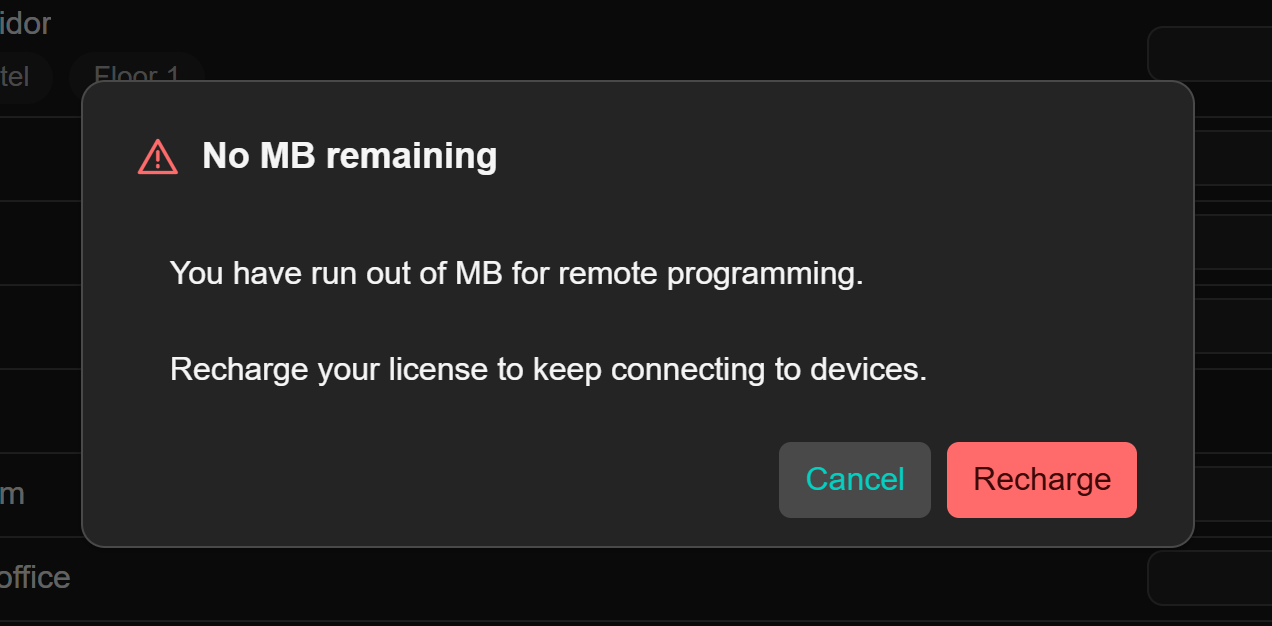
- With 0 MB the warning “No MB left. Recharge to use ZenProg.” appears, the active connection is interrupted and, when trying to connect to a device, the dialogue in Figure 38 is shown with the “Recharge” button.
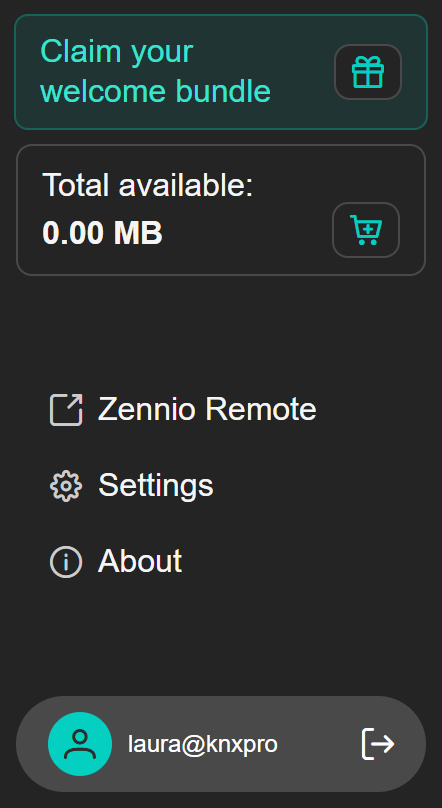
Accounts that have not purchased any ZenProg Remote licence yet can claim a welcome bundle. In that case, instead of the depleted balance warning, the side bar shows the “Claim your welcome bundle” card with a button to obtain it (Figure 39).