KNX Secure Guide: 2.2. KNX IP Secure
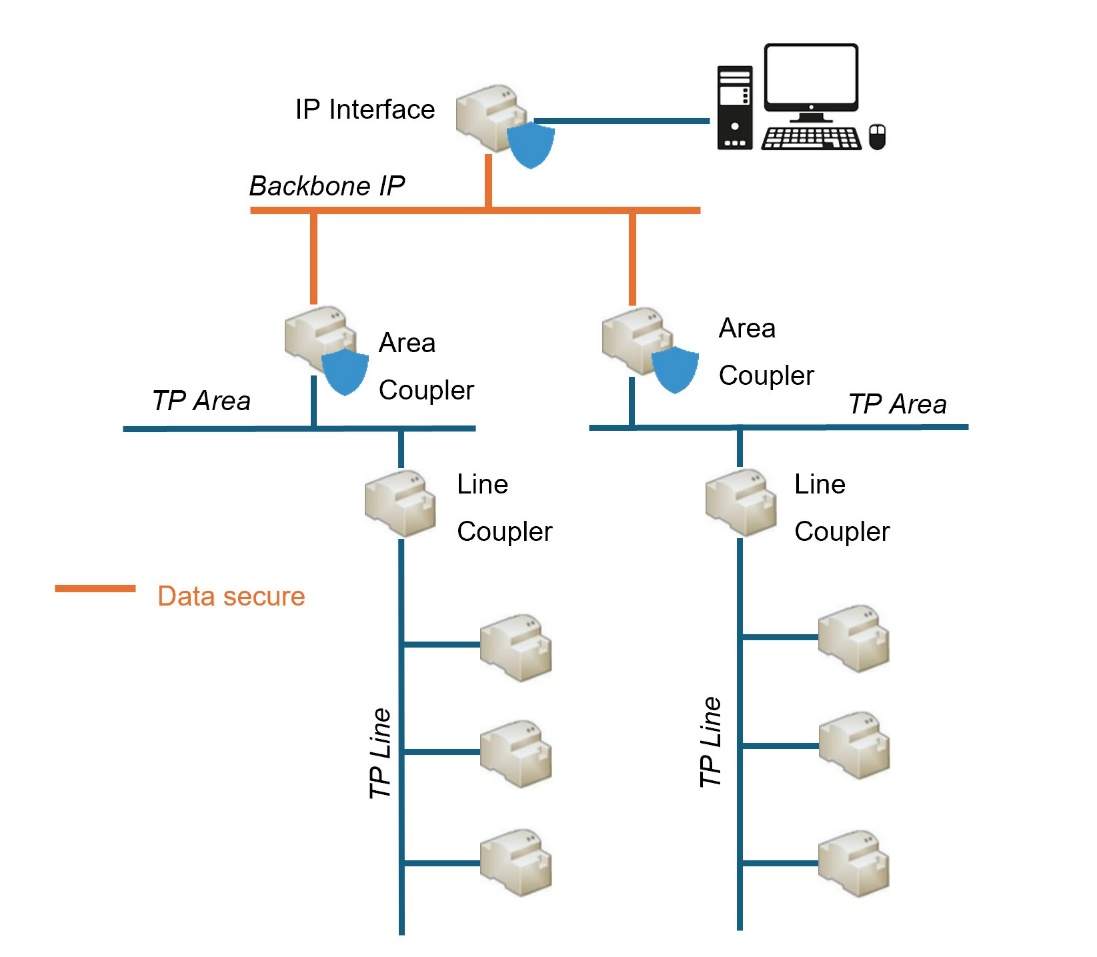
KNX IP security is designed for KNX installations with IP communication. Its implementation ensures the secure exchange of KNX data between systems via secure KNX devices with IP connection.
This type of security is applied on bus interfaces and only in the IP medium, i.e. secure telegrams are transmitted between secure KNX IP couplers, devices and interfaces.
In order for the transmission of telegrams on a main line or sub-line to also be secure, security must be activated on the KNX bus (see section 2.1).
2.2.1. Secure Commissioning
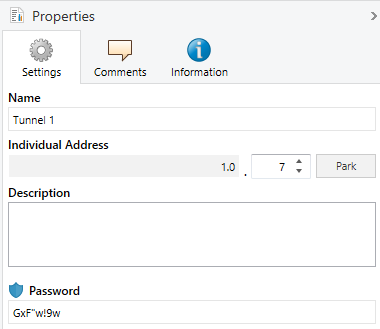
In this type of security, in addition to secure commissioning in section 1.1.1, "Secure Tunneling" can also be activated. This parameter can be found in the "Settings" tab of the device properties window on the right-hand side of the ETS screen.
ETS ParameterisationThe commissioning and tunneling security settings are defined from the "Configuration" tab in the "Properties" window of the device.
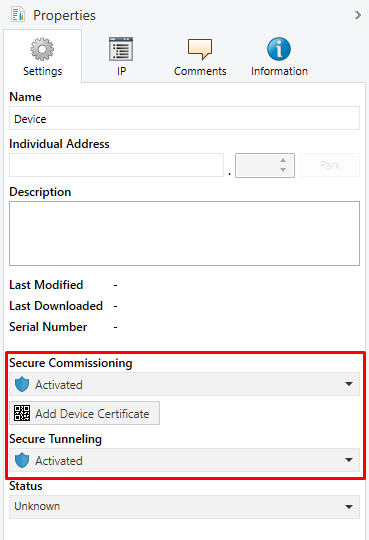
In addition to Secure Commissioning and the button Add Device Certificate, previously explained on section 2.1.1, will also appear:
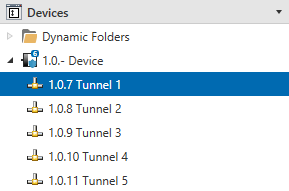
- Secure Tunneling [Enabled / Disabled]: parameter only available if secure commissioning is enabled. If this property is "Enabled", the data transmitted through the tunnel connections will be secure, i.e. the information will be encrypted through the IP medium. Each tunnel address will have its own password.
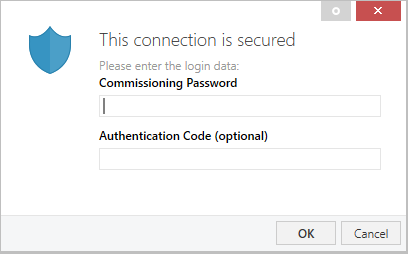
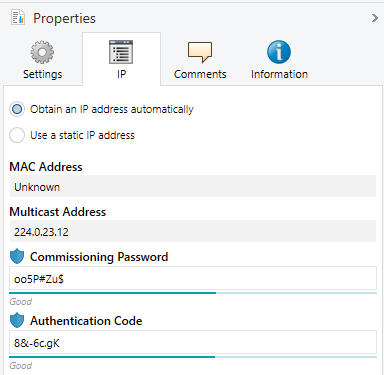
The IP tab of the product also contains the Commissioning Password and the Authentication Code, which are required to make any secure connection to the device.
Note
It is recommended that the authentication code for each device be individual (and preferably the default set in ETS).
The commissioning password will be requested when the IP Interface is selected in ETS to connect to it (the authentication code is optional):