Flat RGB and Tecla RGB Manual: 1. Introduction
Customisable push buttons with 1 to 10 buttons, with two references: ZVIFRxy and ZVITRxy
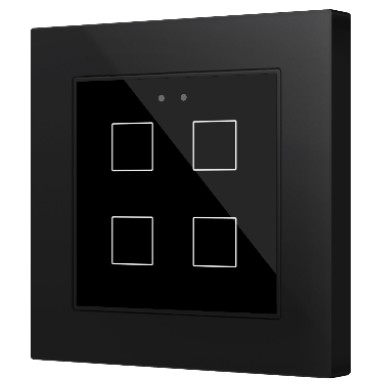
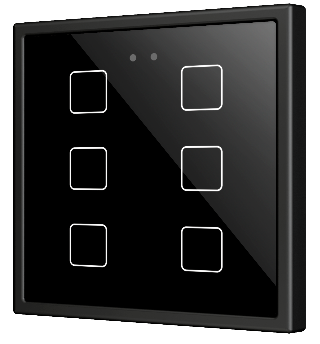
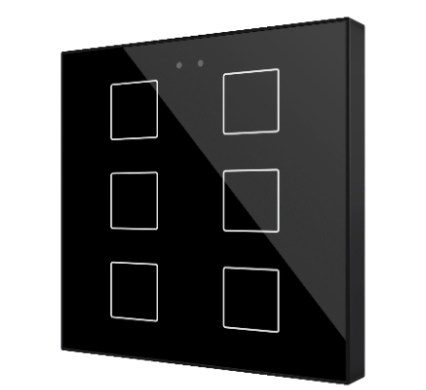
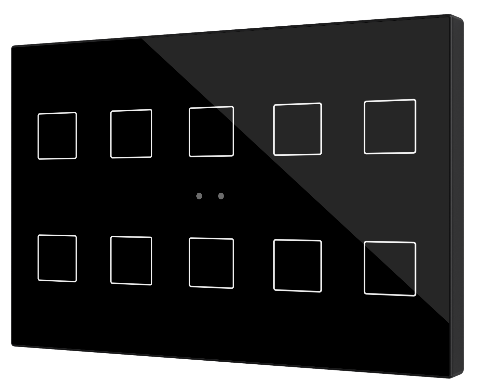
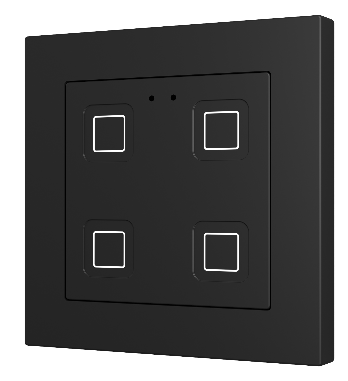
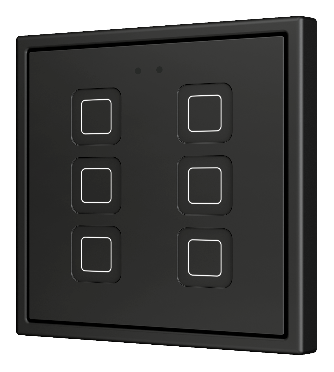
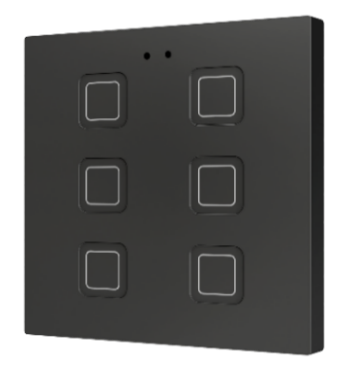
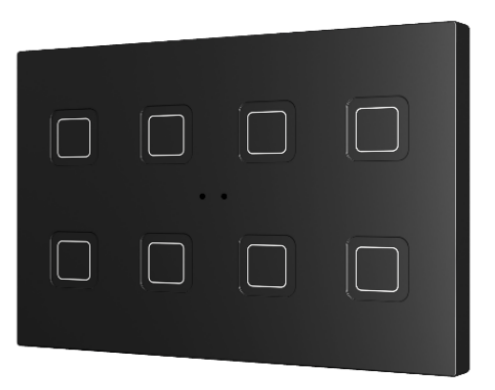
1.1. Features
The multifunction RGB capacitive touch switches from Zennio are a fully customisable solution for the control of rooms where user control of air conditioning systems, lighting, blinds, scenes, etc. is required.
They are offered at a reduced size and weight, with one, two, four, six, eight or ten capacitive touch buttons (according to the user’s needs) with RGBW LED backlight to confirm the press of the buttons or, indicate states thanks to the range of colours available in its configuration.
The versatility offered by the functionality of buttons is complemented by two built-in analogue/digital inputs, an internal temperature sensor and a thermostat function, as well as an elegant and fully customisable design, where the user can choose icons, buttons, text and colours, as well as the background with their own images and logos (in the case of Flat).
The most outstanding features of Flat / Tecla are:
- Flat allows the front glass design to be fully customisable.
- Tecla allows the backlit icons to be fully customisable.
- Different sizes to cover all user needs (55, 70, X and XL) unified in a single application programme.
- 1 / 2 / 4 / 6 / 8 / 10 touch buttons, which can operate as individual or pair controls.
- Horizontally or vertically oriented configuration (only available for the two-button, six-button and eight-button models in sizes 55, 70 and X, and available for all in XL).
- RGBW light indicator (LED) for every button.
- Buzzer for an audible acknowledgement of user actions (with the possibility of disabling it either by parameter or by object).
- Possibility of locking / unlocking the touch panel through binary orders or scenes, and of setting a timed locking of the entire device (cleaning function).
- Independent binary locking / unlocking object per control, as well as the possibility to configure an individualised timed locking for each control.
- Welcome Back object (binary or scene) which is sent to the KNX bus when a pulsation is detected after a certain period (configurable) of inactivity.
- Scene control.
- Built-in temperature sensor.
- Proximity sensor for quick start.
- Two analogue/digital inputs (for motion detectors, temperature probes, additional switches, etc.).
- Thermostat function.
- Heartbeat or periodical “still-alive” notification.
- KNX Security. For detailed information about the functionality and configuration of KNX security, consult the specific user manual “KNX Security”.
Important
See Annex II. Differences by model for detailed information on the technical differences between the models.
1.2. Start-Up and Power Loss
After download or device reset it is necessary to wait for about 2 minutes without performing any action in order to make it possible a proper calibration of:
- Proximity sensor.
- Button sensibility.
For a correct calibration of the proximity sensor it is recommended not to remain too close or place anything less than 50cm approximately during this time.